ScoreCast Sports Ticker
A Real-Time Multi-Sport LED Display System for Raspberry Pi
Tech: Python · Raspberry Pi · RGB LED Matrix · Flask · REST APIs · Multithreading · Systemd · HTML · CSS · JavaScript
Overview
ScoreCast is a Raspberry Pi-powered sports information display designed for RGB LED matrices. The system continuously retrieves live game data, renders compact scoreboard cards, and scrolls them smoothly across a 384-by-32-pixel LED display.
The application supports multiple professional and collegiate sports, including MLB, NFL, college football, NBA, NHL, and soccer.
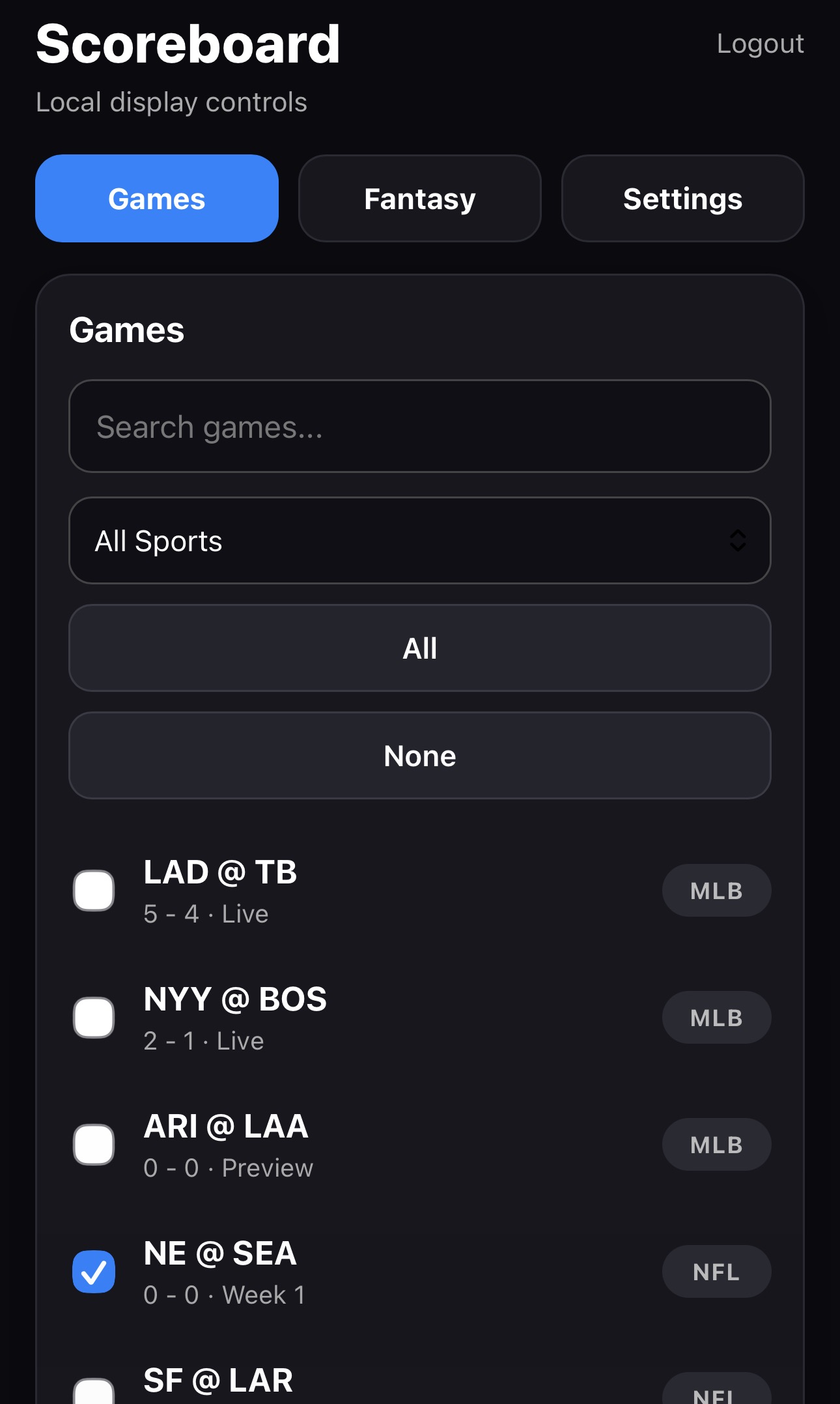
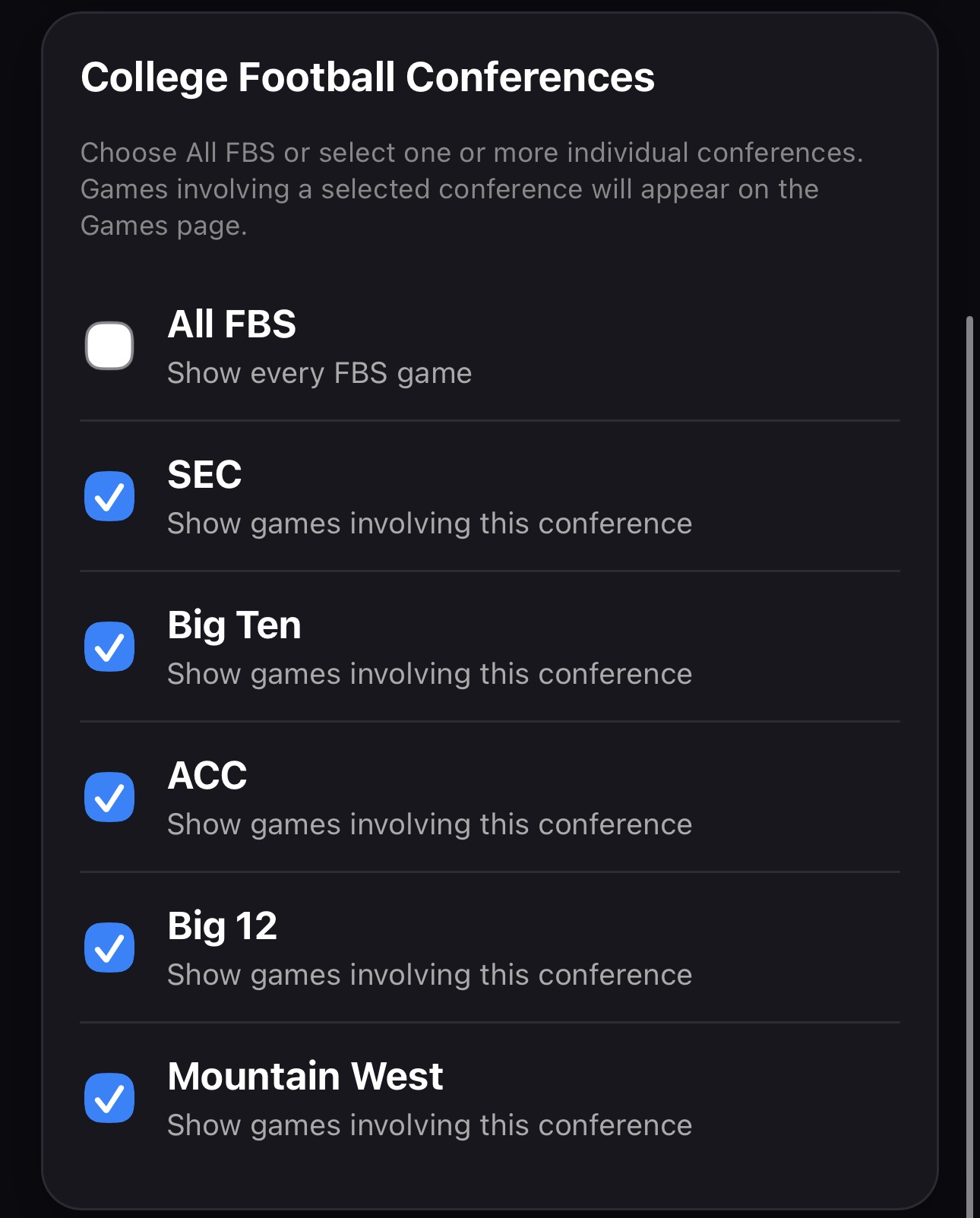
A responsive Flask-based web dashboard allows users to choose which games are displayed, reorder cards through drag-and-drop controls, configure brightness and scroll speed, select news leagues, connect supported services, and manage external API settings.
My Engineering Contribution
- Designed the complete modular Python architecture for retrieving, normalizing, caching, and rendering data from multiple sports APIs.
- Developed individual data models, API clients, logo libraries, test datasets, and renderers for MLB, NFL, college football, NBA, NHL, soccer, and fantasy football.
- Implemented a cached rendering pipeline to prevent unchanged game cards from being redrawn during every frame.
- Moved network requests into background threads so live API updates do not interrupt the 60 FPS display loop.
- Created a variable-width card system supporting standard scoreboard cards and larger news or notification cards within the same scrolling layout.
- Built a mobile-friendly web dashboard with filtering, game selection, drag-and-drop ordering, brightness controls, refresh settings, and news configuration.
- Configured ScoreCast as a systemd service so the application starts automatically when the Raspberry Pi boots and restarts after failures.
Core Features
Live Multi-Sport Scores
- MLB game scores, innings, base runners, outs, and team records
- NFL game scores, quarters, clocks, and team records
- College football scores, rankings, quarters, and clocks
- NBA scores, quarters, clocks, and team records
- NHL scores, periods, overtime, shootout, and team records
- Soccer scores, match time, competition stage, and game status
Fantasy Football
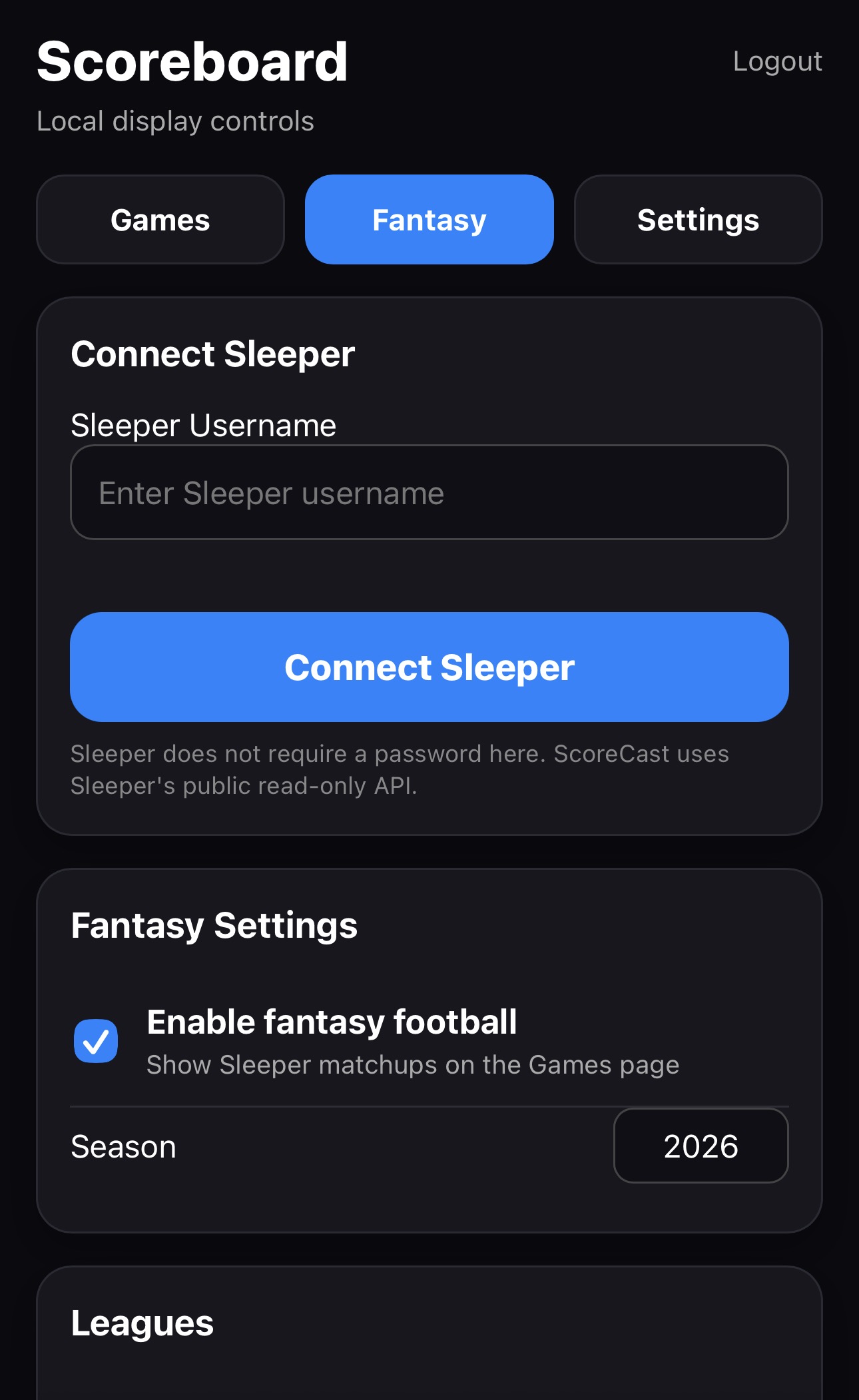
- Sleeper username connection through the public Sleeper API
- Automatic league discovery
- Selectable fantasy leagues
- Weekly matchup score cards
- Architecture designed for future player and projection features
Display Performance
- Smooth 60 FPS scrolling
- Background API requests
- Thread-safe game and settings updates
- Card-level image caching
- Variable card widths
- Dynamic brightness control
- Automatic recovery through systemd
Web Dashboard
ScoreCast includes a built-in web application that can be opened from a phone, tablet, or computer connected to the same network as the Raspberry Pi.
The dashboard provides direct control over the ticker without requiring SSH access or manual source-code changes.
- Select which games appear on the ticker
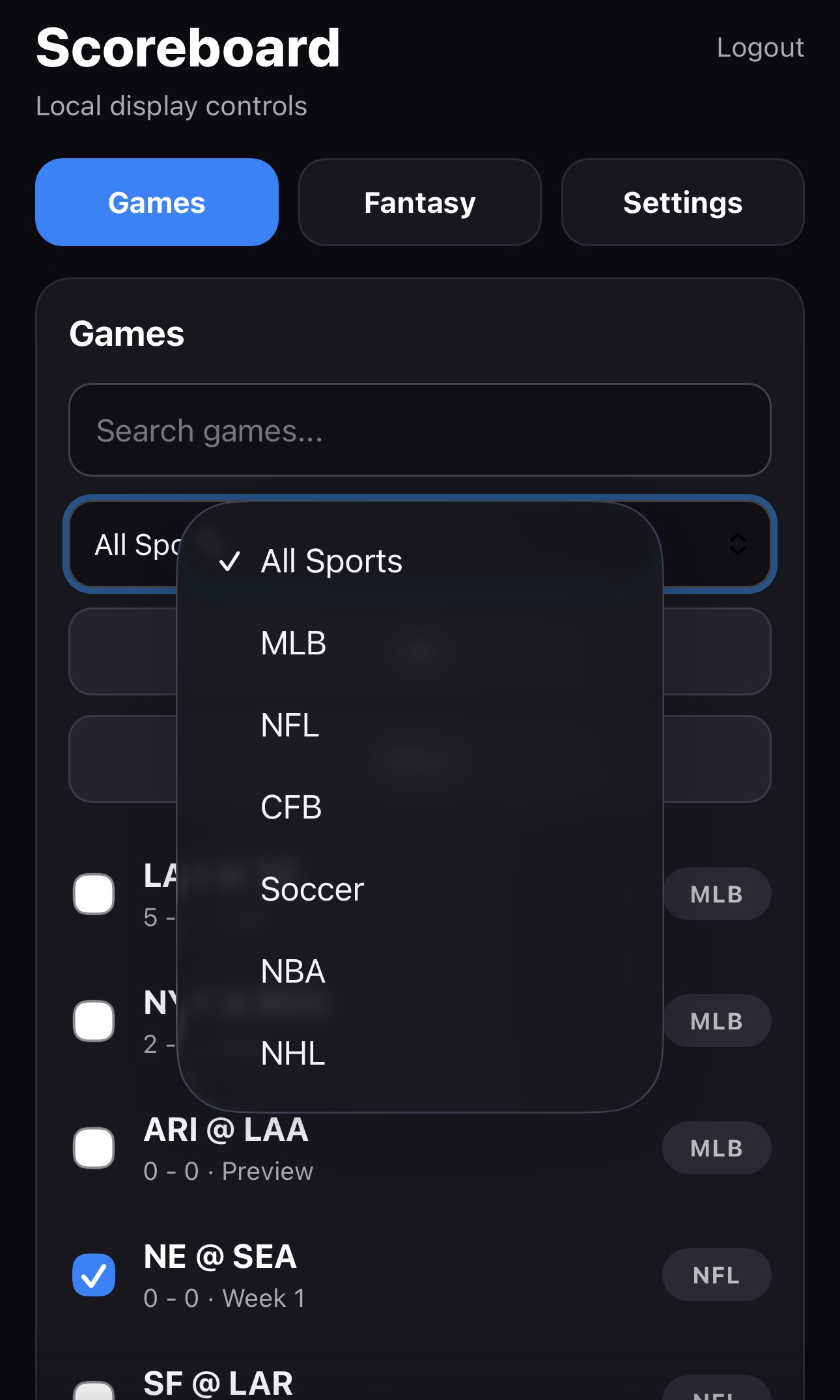
- Filter games by league
- Search by team or matchup
- Drag and drop cards to change scrolling order
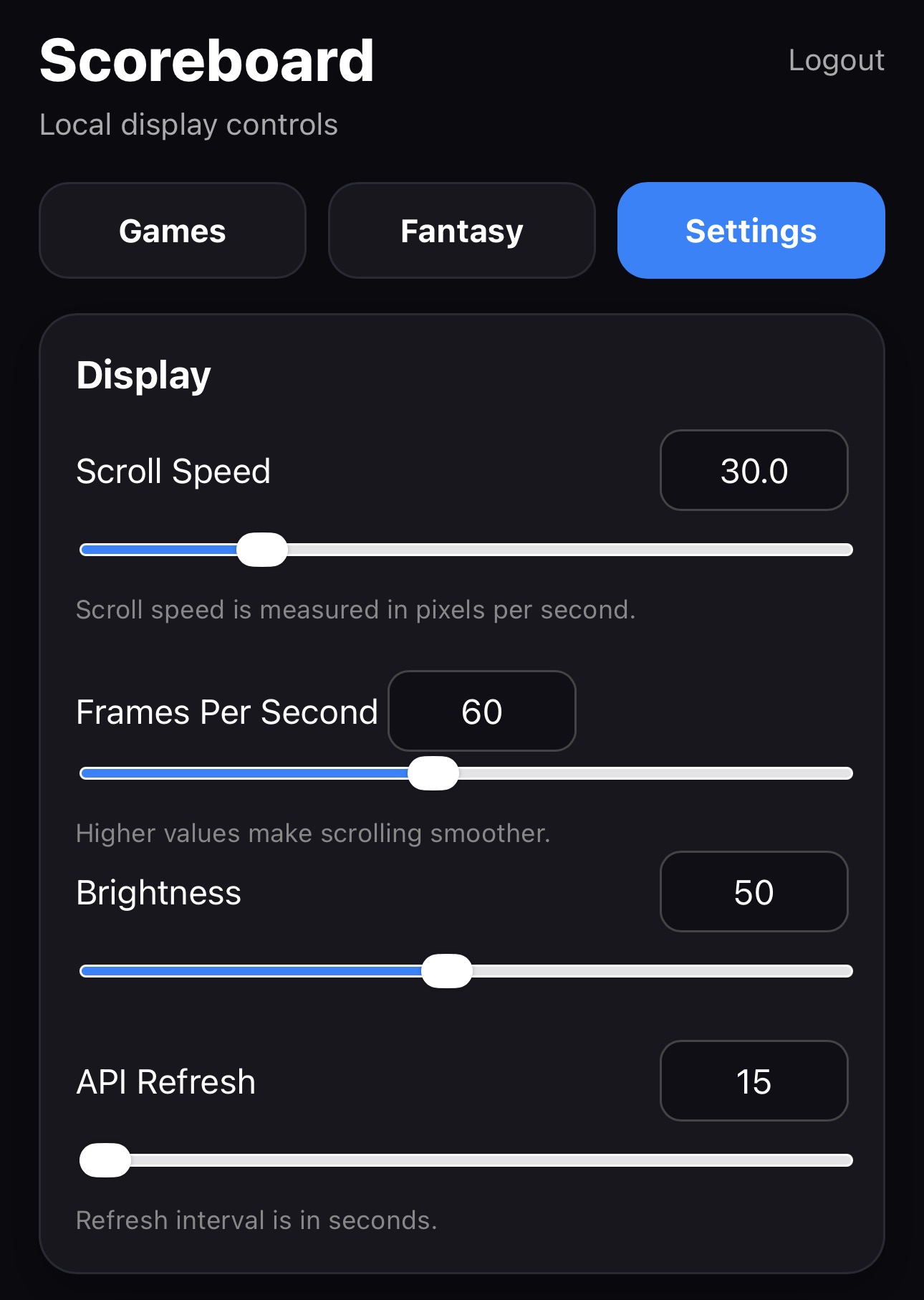
- Adjust display brightness
- Adjust scrolling speed
- Configure API refresh intervals
- Connect Sleeper fantasy football accounts
Web Dashboard Screenshots
The responsive dashboard is designed primarily for mobile use while also working on desktop browsers.
Hardware Integration
ScoreCast runs on Raspberry Pi OS Lite and controls a chained RGB LED matrix through the rpi-rgb-led-matrix library. The display is configured as a 384-by-32-pixel canvas and powered separately from the Raspberry Pi.
- Raspberry Pi running Raspberry Pi OS Lite
- RGB LED matrix panels
- RGB matrix HAT or bonnet
- Dedicated 5V matrix power supply
- Wi-Fi or Ethernet connection for live data

ScoreCast displaying real-time sports cards on a Raspberry Pi-powered RGB LED matrix.
Performance Optimization
Initial versions of the application regenerated every game card during every animation frame. This caused unnecessary CPU usage, increased Raspberry Pi temperature, and reduced scrolling smoothness.
I redesigned the rendering pipeline so cards are generated only when their underlying game data changes. Cached card images are reused by the 60 FPS scrolling loop, while API calls and settings updates occur on independent timers.
- Reduced repeated image generation
- Improved animation smoothness
- Reduced CPU utilization
- Reduced operating temperature
- Prevented API requests from blocking the display loop
- Added cache invalidation for game scores and betting odds
Software Reliability
ScoreCast is deployed as a Linux systemd service. This provides automatic startup, centralized logging, and automatic recovery if the Python application exits unexpectedly.
sudo systemctl status scorecast
sudo systemctl restart scorecast
sudo journalctl -u scorecast -f
The project also includes a virtual environment and requirements file to provide reproducible dependency installation on a clean Raspberry Pi OS Lite system.
Challenges and Solutions
Preventing Display Freezes
Network requests originally ran inside the main rendering loop, causing the scrolling animation to pause while waiting for API responses. I moved all refresh operations into background threads and protected shared game data with locks.
Handling Duplicate Matchup IDs
Different sports can contain the same team abbreviations and matchup
strings. For example, an MLB and NFL game may both appear as
ATL@PIT. I added league prefixes to game identifiers so each
card remains unique:
mlb:ATL@PIT
nfl:ATL@PIT
Supporting Different Card Types
Standard game cards and larger news cards require different widths. I implemented dynamic card sizing so each object reports its rendered width and the scrolling system calculates spacing accordingly.
Managing API Limits
Betting odds APIs often provide limited monthly requests. Odds are therefore cached and refreshed much less frequently than live scores, preventing unnecessary API usage.
Future Development
- Spotify now-playing mode
- Expanded Sleeper fantasy football statistics
- Player-level fantasy projections
- X/Twitter integration when API access is available
- Boot splash screen and startup progress animation
- Automated installation and update scripts
Source Code
The complete source code, installation instructions, and release history are available on GitHub.
Version 1.0
ScoreCast v1.0 represents the first stable release of the project. It includes multi-sport score support, a responsive web dashboard, game ordering and filtering, news cards, betting odds integration, background API refreshing, cached rendering, and automatic system startup.
Back to Projects